Feed posts
One photo with a caption of up to 2,200 characters. A single video is published as a Reel, the way Instagram now handles feed video.
Write the caption, add your photos or video, pick a time and Askenly publishes it to Instagram for you. Link the post to an automation before it goes live, and every comment with your keyword gets a DM from the first minute.
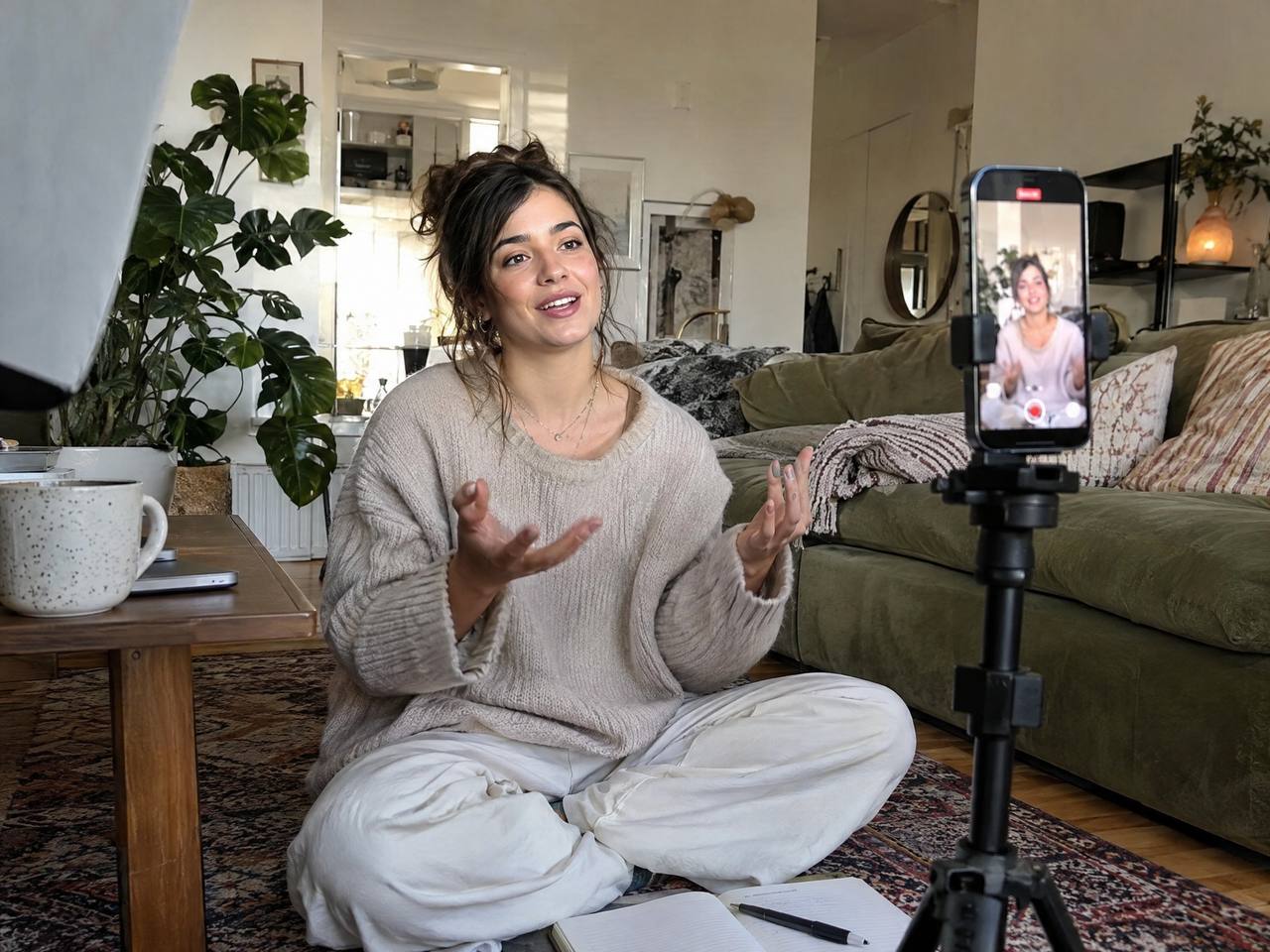
Most posts that sell ask people to do something: comment a word, reply to a Story, ask for the link. When the post goes out from one app and the replies are handled in another, the first hour, when most comments arrive, is the hour nobody is watching.
In Askenly the post and the automation are set up together. You schedule the Reel, attach the comment-to-DM or booking automation, and both start at the same moment. You don’t have to remember to switch anything on, and no early comment goes unanswered.
One photo with a caption of up to 2,200 characters. A single video is published as a Reel, the way Instagram now handles feed video.
Up to 10 photos and videos in one post, in the order you set.
A video with its caption, shared to your feed as well.
A photo or a video. Add a keyword automation to the Story so every reply with it gets a DM.
Post a comment under your own post the moment it goes live, for extra hashtags or the keyword people should use.
Share a feed post or Reel to your Story as soon as it publishes.
Choose Post, Carousel, Reel or Story, then add your media and caption.
Askenly publishes at that time in the time zone you choose, even when you’re offline.
Choose comment to DM or comment to booking, so the replies start the moment the post does.
Askenly checks Instagram’s limits first: 2,200 characters, 30 hashtags, 20 @mentions and 10 carousel items.
The post moves from Scheduled to Published with a link to it on Instagram. If Instagram refuses it, you see the reason in plain words.
Askenly checks the media and caption before it schedules anything, so most problems show up while you’re still editing. If Instagram is briefly unavailable at publishing time, Askenly retries. If Instagram rejects the post, for example because the account was disconnected, the post is marked Failed with Instagram’s reason and what to do next, so you never assume a post went out when it didn’t.
A launch usually means a teaser Story, a Reel that explains the offer, a carousel with the details and a last-call Story. Write all four in one sitting, give each one a time, and link the Reel and carousel to the same comment-to-DM automation so every “LINK” comment gets the offer, whichever post it came from.
On launch day you’re free to reply to the conversations that need you, because the posting and the first replies are already handled. Each automation then shows how many DMs went out, how many people tapped or shared an email, and how many booked, so you can see which post did the work before you plan the next launch.
| Plan | Price | Scheduled posts a month |
|---|---|---|
| Free | Free | 10 |
| Starter | $19 a month | 60 |
| Growth | $39 a month | 200 |
| Scale | $77 a month | unlimited |
Yes. Scheduled posts publish on their own at the time you set, through Instagram’s official publishing API. You don’t need to be online or get a phone reminder.
Yes. Posts, carousels of up to 10 items, Reels and Stories can all be scheduled.
Yes. Open it in Content and change it any time before it publishes, or unschedule it to keep it as a draft.
An Instagram Business or Creator account, connected with Instagram’s own sign-in. No Facebook Page is needed.
Connect Instagram and publish your first automation in a few minutes. No card needed.